AI RAPPER.
YOUR FACE.
YOUR PERFORMANCE.
Step into the frame. Recreate a rap performance or bring
your photo to life with your own audio.
New face. Same energy. Make the performance yours.
Choose your video model
Runware's public video-related catalog. Choose a model here — no global video model is required in Admin.
Loading official model catalog…
Selection only · Generation is not connected · No uploads, inference tasks or credit charges.
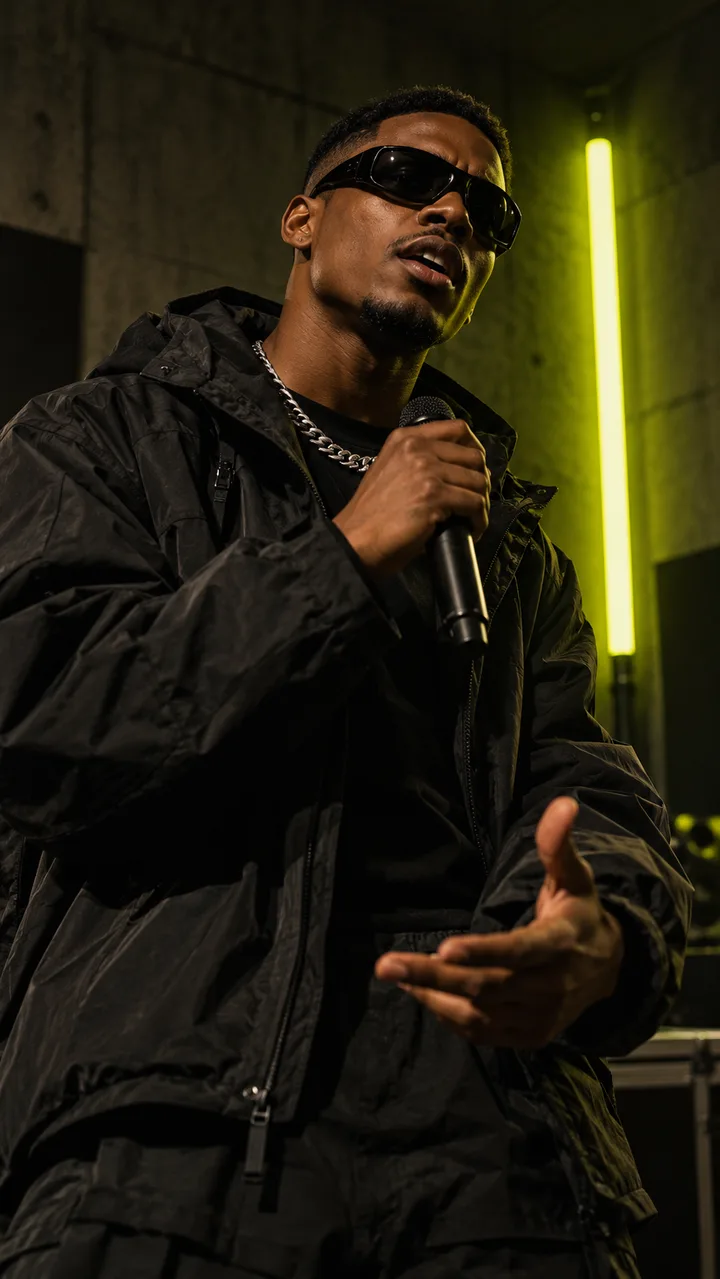
SOME
NOISE.
Pick your starting point.
One studio. Two workflows.
Your performance starts here.
Workflow illustrations, not generated samples. Add your own files to preview the inputs.
From your camera roll
to center stage.
Put yourself in the frame.
Start with a clear portrait. A good photo gives your performance a strong foundation.
Bring the inspiration.
Add a reference rap video or your audio. Pick the part that deserves the spotlight.
Make the moment yours.
Review your inputs in the studio. Live generation will unlock your finished AI rap video.
You bring the face.
You bring the energy.
We set the stage.
Step into the studio Good questions.
Straight answers.
Everything to know about
your next AI rap video.
01What is an AI rapper?
An AI rapper tool helps you create a visual rap performance. In this studio, you can prepare a portrait and a reference performance, or pair your portrait with rap audio. It is a video workflow, not a lyrics or music generator.
02What is the difference between the two modes?
Recreate a Video uses your photo and a reference rap video. Photo + Audio uses your photo and an audio track. Video recreation aims to transfer the performance; audio animation aims to bring your portrait to life with the supplied track. Results depend on the connected model.
03What photo should I upload?
Choose a clear, well-lit portrait with one visible face. JPG, PNG and WebP are supported, up to 20 MB. Use a photo of yourself or a person who has given permission.
04Can I use my own rap audio?
Yes. Photo + Audio accepts MP3, WAV, M4A and OGG files up to 30 MB. You can audition your track and select a clip up to 30 seconds. Use recordings you own or have permission to use.
05Is video generation available right now?
This release lets you prepare and preview both workflows locally. Live generation is not connected yet. Uploads stay in this browser, no generation request is submitted and no credits are charged in preview mode.
06Are my uploads public?
In preview mode, files remain in this page’s memory and are not uploaded to a server. Reloading or leaving the page clears these local selections. Live generation will need a connected provider and a disclosed storage and retention policy.
07What happens if a request fails?
Your current selections remain available while this page stays open. Preview mode does not deduct credits. When live generation is enabled, the task status and credit policy must be shown before you submit.